
TipTop VPN
Tools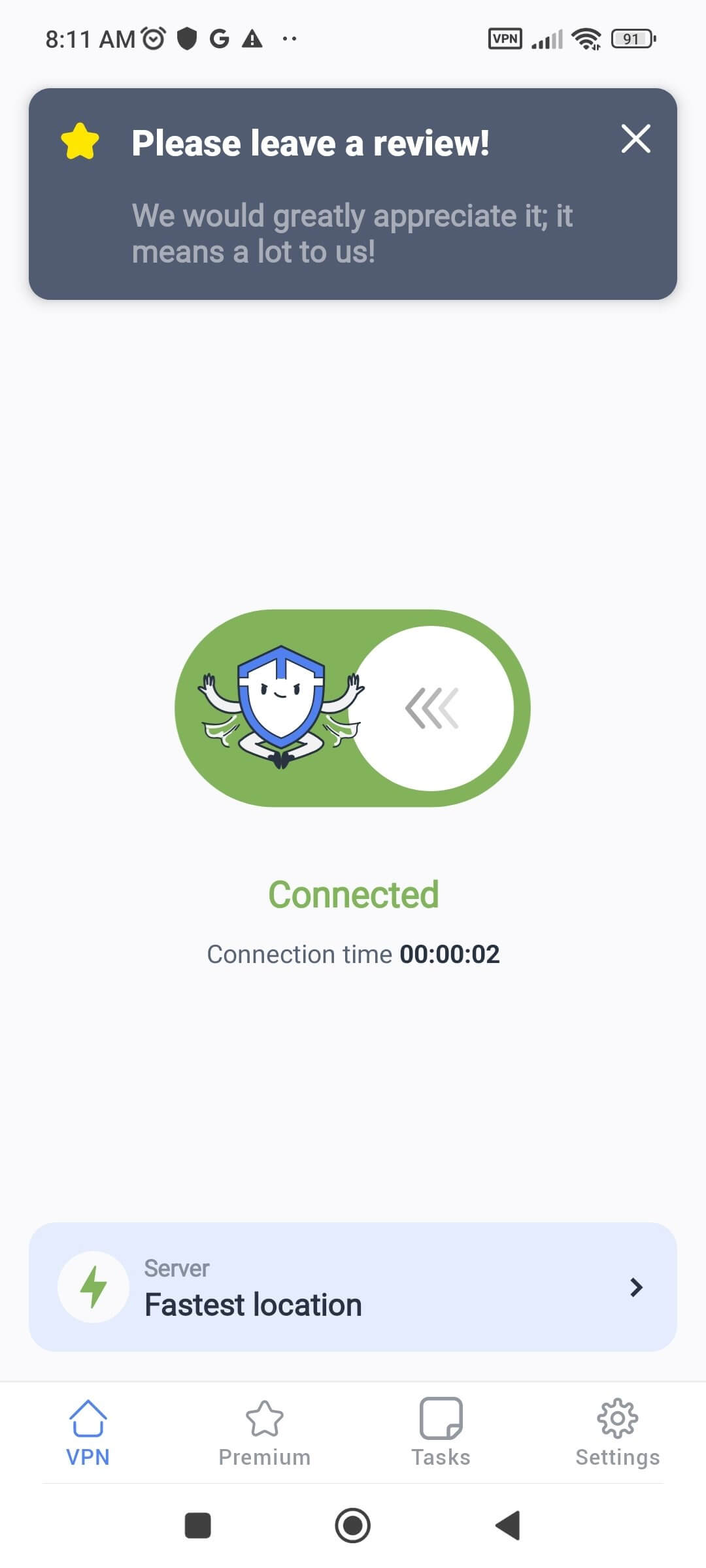
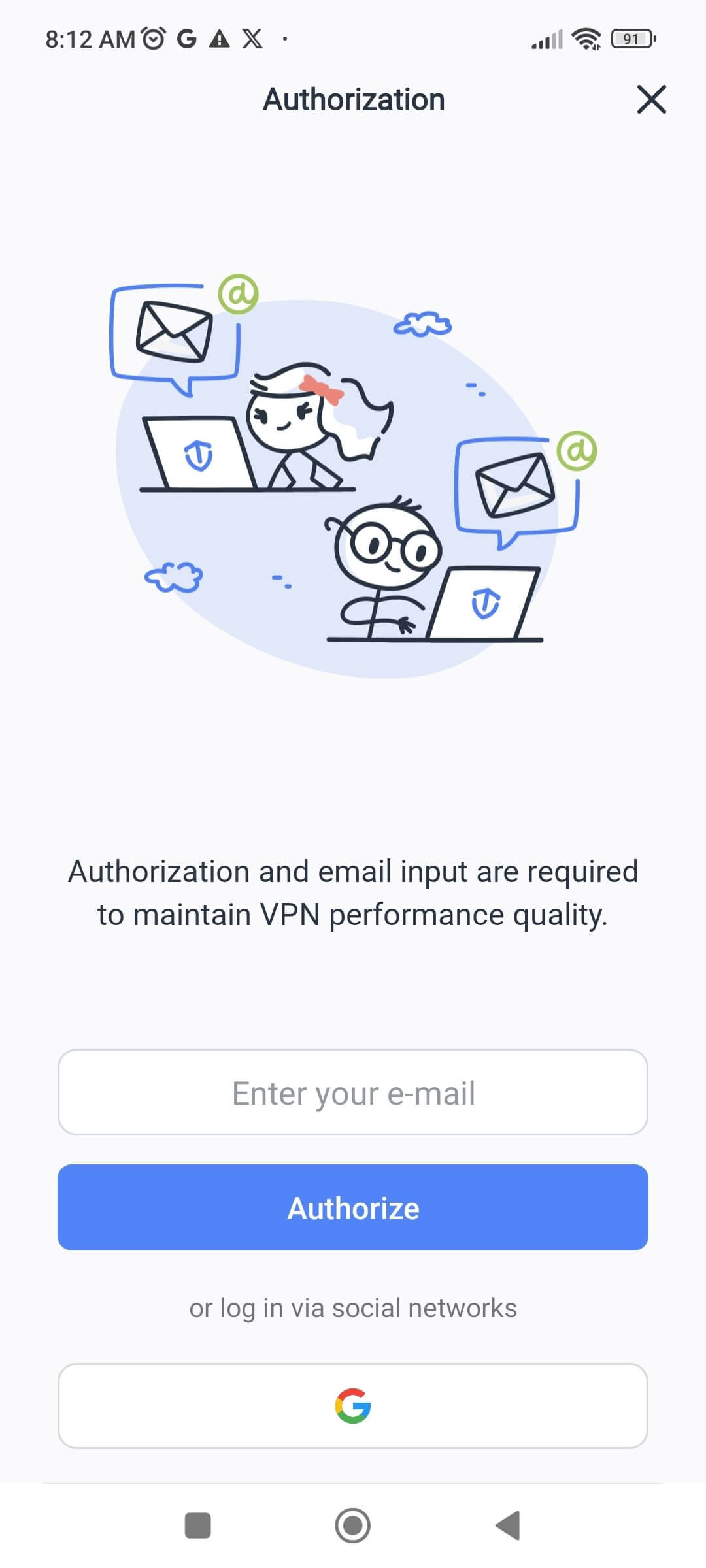
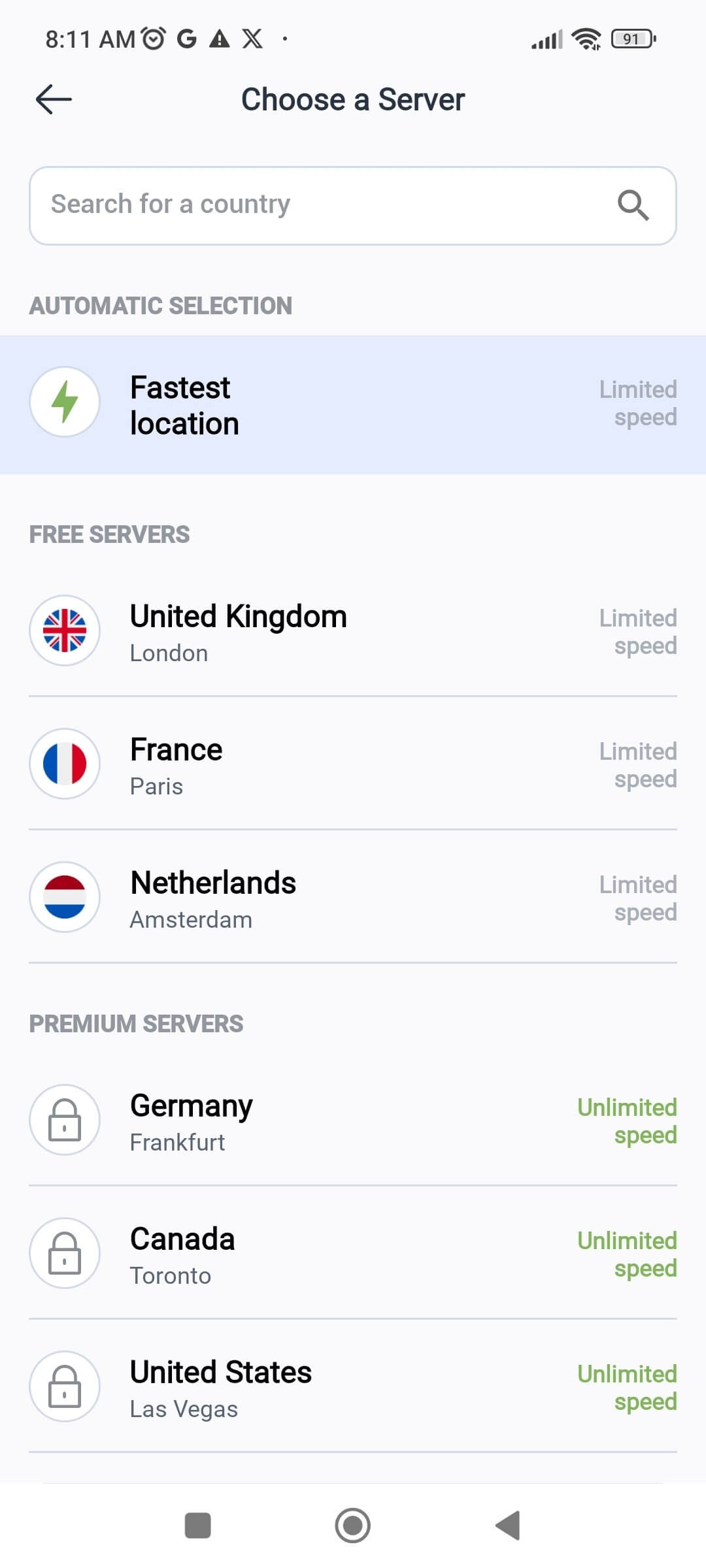
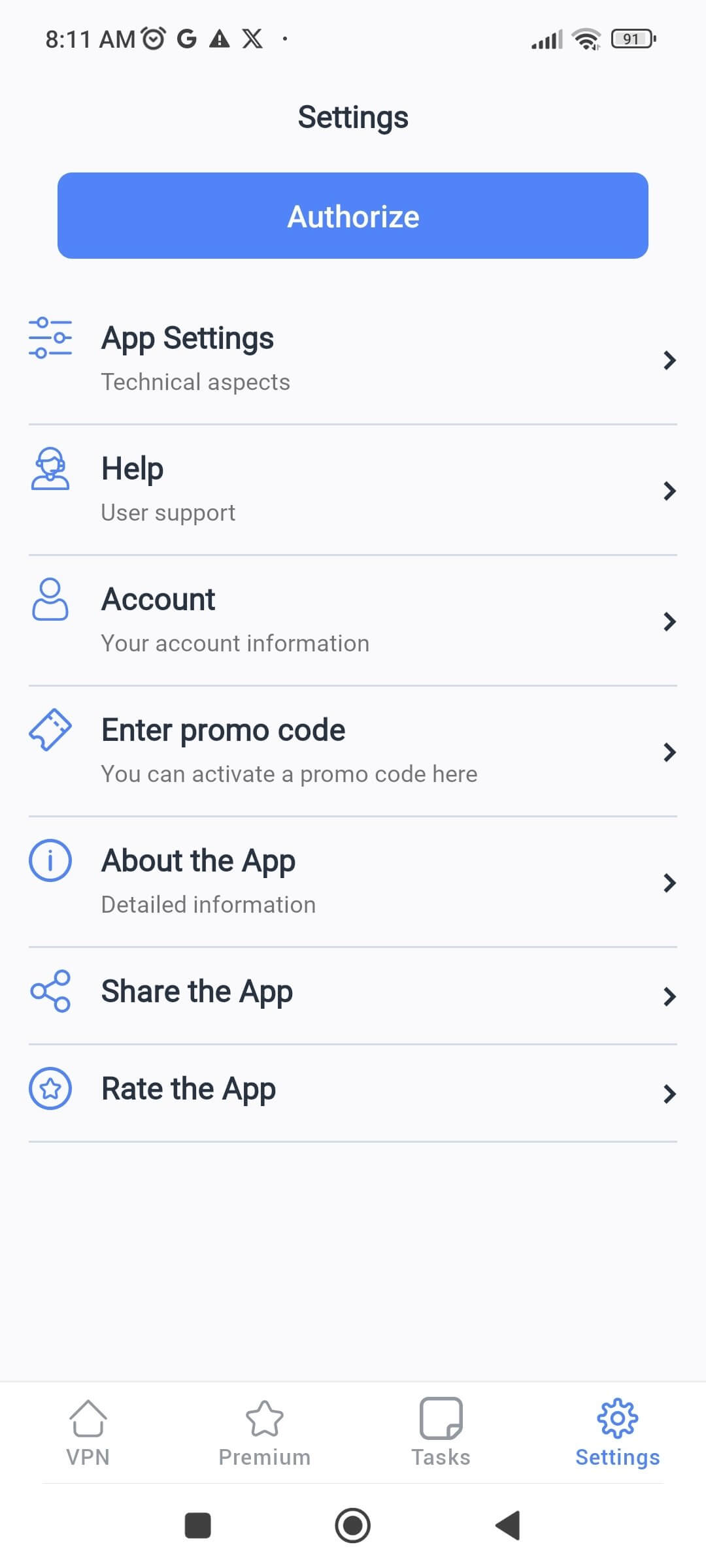

TipTop VPN is an Android VPN application that aims to keep your online activity private and secure. It encrypts your internet traffic, blocks trackers and potential hackers, and lets you browse, stream, shop, or game without interruptions. The app focuses on simplicity, offering a straightforward interface for quick connection to a VPN server.
This page provides the latest version details, installation guide, compatibility notes, and practical advice for using TipTop VPN safely.
Quick Information
| App/Game Name | TipTop VPN |
| Latest Version | 1.036 |
| Developer | Not listed |
| Category | Apps / Tools |
| App Size | 113.07 MB |
| Package Name | com.free.tiptop.vpn.proxy |
| Last Updated | 14 January 2026 |
What Is TipTop VPN?
TipTop VPN creates a secure tunnel between your device and the internet, masking your IP address and encrypting data packets. Its core features include:
- Privacy protection by hiding your real IP address.
- Encryption of all outgoing and incoming traffic.
- Blocking of known trackers and malicious domains.
- Support for streaming, online shopping, and gaming without noticeable slowdown.
- A minimalistic UI that lets you connect or disconnect with a single tap.
The app does not require a separate account for basic use, but advanced server selection may be limited in the free version.
Compatibility
| Android Version | Not Verified |
| Architecture (ARM64 / 32-bit) | Not Verified |
| Internet Connection | ✓ Verified — May be required for ads, updates, or login |
| Storage Needed | Not Verified |
| OBB/Data Files | Not Verified |
| Root Required | Not Verified |
How to Install
- Open your device’s Settings → Security (or Privacy) and enable Install unknown apps for the browser or file manager you will use.
- Download the TipTop VPN APK file to your device.
- Locate the downloaded file in your Downloads folder and tap it.
- Follow the on‑screen prompts to install the application.
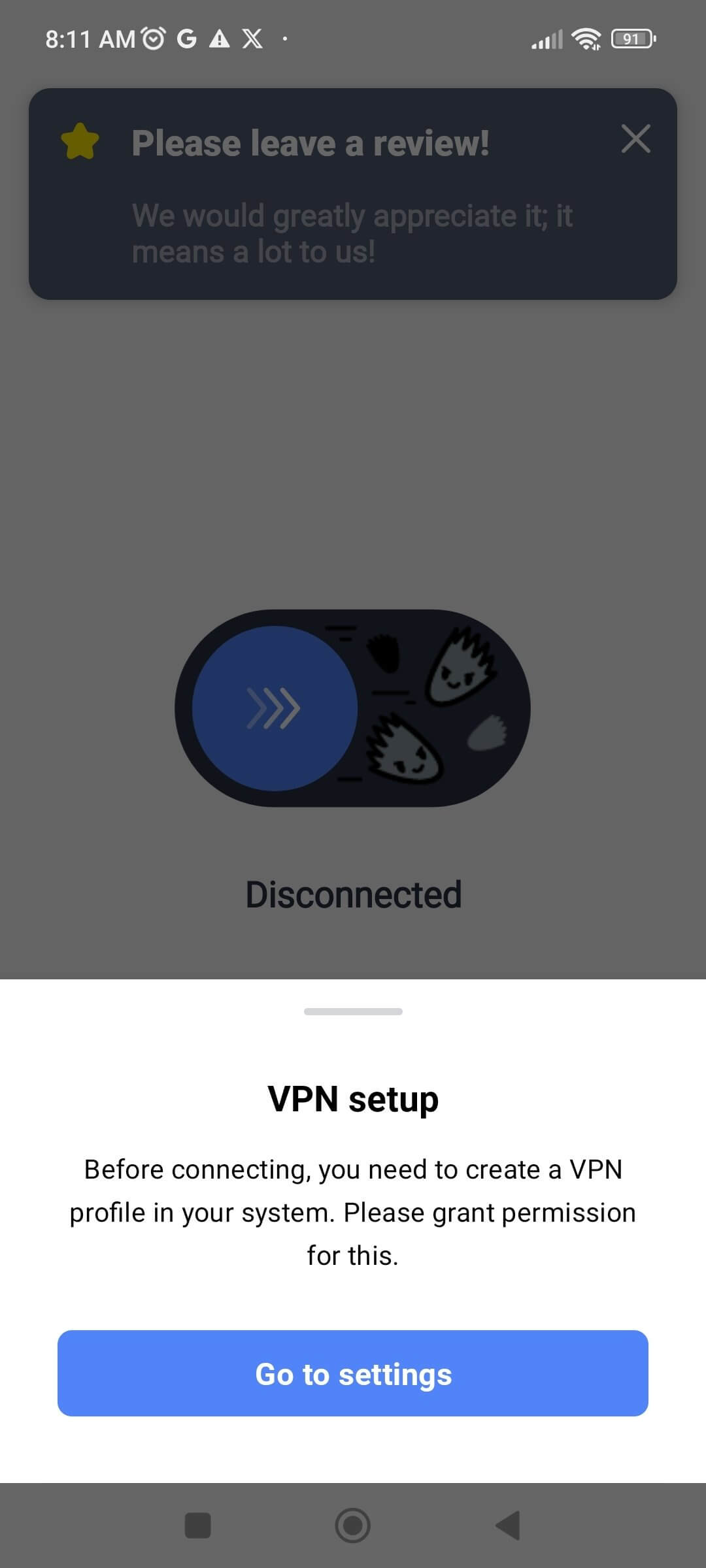
- After installation, open TipTop VPN and grant the required VPN permission when prompted.
- Tap the connect button to establish a secure VPN connection.
Troubleshooting
- App not installed error: Ensure the APK is fully downloaded and not corrupted. Verify that “install unknown apps” is enabled for the source app.
- Crashes on startup: Clear the app’s cache via Settings → Apps → TipTop VPN → Storage → Clear cache. If the problem persists, reinstall the latest APK.
- Cannot connect to VPN: Check that your internet connection is active. Disable any other VPN or proxy apps that might conflict, then try reconnecting.
- Frequent disconnections: Switch to a different server (if the option is available) or ensure battery‑saving modes are not restricting background data.
Safety & Security
TipTop VPN is a modified build of a VPN client, so it is important to obtain the APK from a trustworthy source. Review the permissions the app requests; a VPN should only need network access and the ability to create a VPN connection. Avoid entering sensitive personal data (e.g., banking credentials) while using any unofficial VPN build, as the integrity of the code cannot be guaranteed. Keep the app updated, as newer versions may contain security patches.
How TipTop VPN Compares
| Feature | TipTop VPN | NordVPN | ExpressVPN | ProtonVPN |
|---|---|---|---|---|
| Price / Free Model | Free (ad‑supported) | Subscription‑based | Subscription‑based | Free tier + paid plans |
| Platform Availability | Android only (APK) | Android, iOS, Windows, macOS, Linux | Android, iOS, Windows, macOS, Linux | Android, iOS, Windows, macOS, Linux |
| Standout Feature | Simplified one‑tap connection | Large server network & strong encryption | Fast speeds for streaming | Strong privacy policy & Secure Core servers |
| Best For | Casual users who need a quick free VPN | Users seeking extensive server choices and premium security | Streamers needing reliable high‑speed connections | Privacy‑focused users wanting a trustworthy free option |
Alternatives
NordVPN – A well‑known premium VPN with thousands of servers, strong encryption, and a strict no‑logs policy. Ideal for users who want comprehensive coverage and advanced features.
ExpressVPN – Offers fast, reliable connections and excellent streaming support. Its user‑friendly apps make it a solid choice for both beginners and power users.
ProtonVPN – Provides a reputable free tier with solid privacy guarantees and optional paid upgrades for higher speeds and more servers.
Surfshark – A budget‑friendly VPN that still delivers unlimited device connections, ad blocking, and a clean interface.
Final Verdict
TipTop VPN delivers a straightforward, free VPN solution for Android users who need basic privacy and the ability to bypass simple geo‑restrictions. Its lightweight design and one‑tap connection make it easy to use, but the free, ad‑supported model may lack the advanced features, server variety, and guaranteed privacy of premium services. If you only require occasional protection and are comfortable with a basic VPN, TipTop VPN can be a handy tool—just ensure you download it from a reliable source and stay aware of the inherent risks of unofficial builds.
Frequently Asked Questions
TipTop VPN works like any VPN app, but because it is an unofficial build, you should download it from a trusted source and review the permissions it requests.
The app does not list a minimum Android version, but it is compatible with most modern Android releases.
Yes, a working internet connection is needed to establish a VPN tunnel to the server.
TipTop VPN can bypass basic geo‑restrictions, but performance may vary compared to premium VPN services.
This usually happens if the APK is incomplete, corrupted, or if installation from unknown sources is not enabled in your device settings.
No, the free version does not require an account for basic VPN connectivity.
Running any VPN can increase battery usage slightly; TipTop VPN’s lightweight design aims to keep the impact minimal.
Yes, you can install it alongside other VPN apps, but only one VPN can be active at a time.